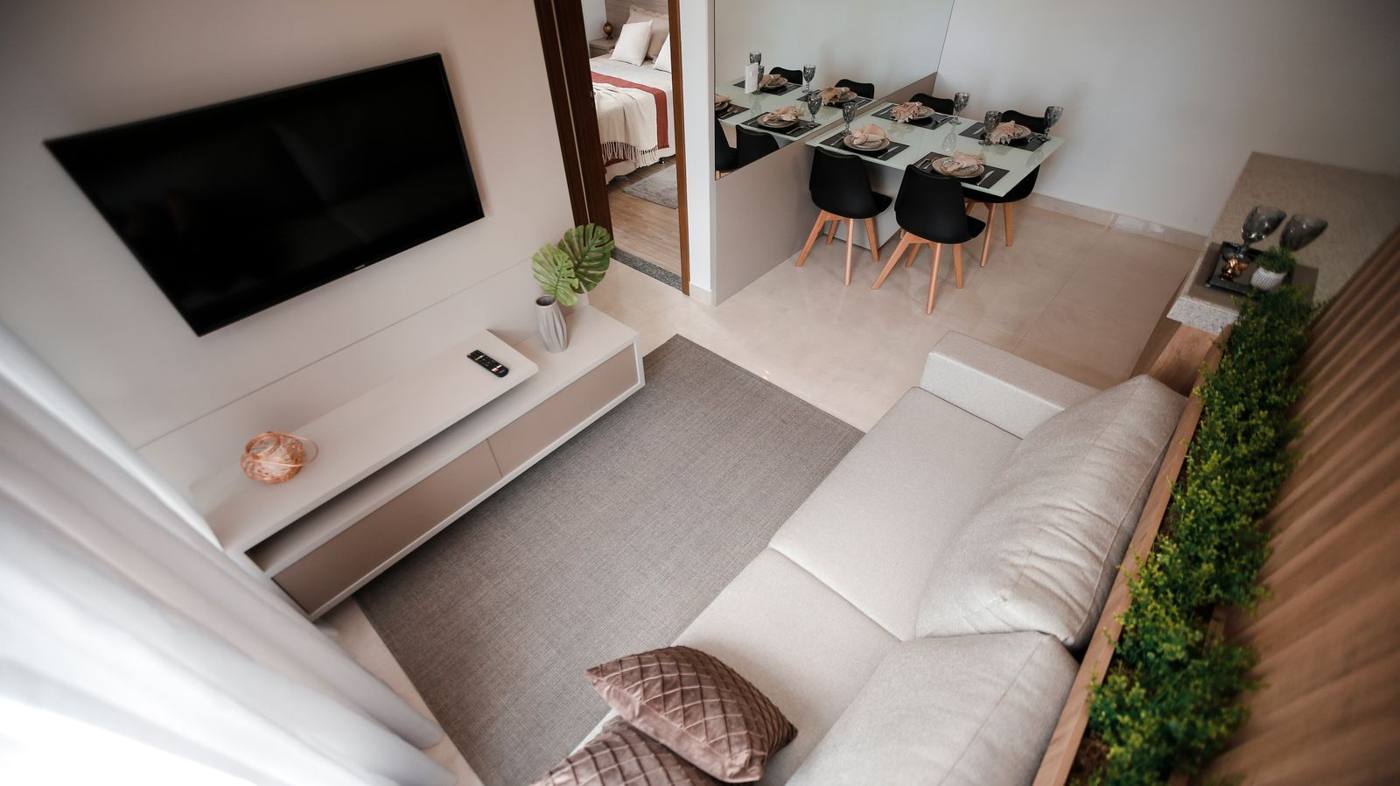
From phone photos to a continuous video tour
The engine starts from ordinary photos, taken with a phone, and turns them into a continuous video tour of an apartment — the kind of footage that would normally require professional filming with a gimbal or a camera on rails. The first subject was a 46 sqm, 2-room apartment.
Separate photos don't tell the story of a space
A set of phone photos, even good ones individually, doesn't convey the real route through an apartment — the virtual visitor jumps from one room to another with no sense of continuity. The challenge isn't generating a single good video clip, but chaining several clips into a route that feels like one single continuous movement.
The route from the floor plan, not from the order of the photos
We established the tour's route from the apartment's floor plan (the real layout of the space), not from the order the photos were taken in — otherwise the tour jumps illogically from one room to another, with no flow.
- 01Route from the floor plan the real order of the rooms, not the order they were photographed in.
- 02Kling 3.0 generation video starting from static images, through keyframe chaining.
- 03PNG-only upload the format needed for the visual consistency of the keyframes.
Keyframe chaining, clip by clip
- 01Photos taken with a phone, with the apartment's route already in mind.
- 02Establishing the real order of the spaces from the floor plan, not from the order they were photographed in.
- 03Video generation per clip with Kling 3.0, starting from the static images.
- 04Keyframe chaining — the final image of clip N becomes the starting image of clip N+1.
- 05Upload only in PNG format, for visual continuity between clips.
- 06Stitching the short clips into a final continuous tour.
A first working tour, for a 46 sqm apartment
The first subject tested was a 46 sqm, 2-room apartment — complex enough to test route continuity across multiple rooms, but small enough to iterate quickly on the method.
What we used
Kling 3.0 video generation, through keyframe chaining, with image uploads exclusively in PNG format. The route is planned manually from the apartment's floor plan, before generation.
Continuity matters more than the quality of a single clip
The most important lesson was that a good video tour isn't judged by how good an individual clip is, but by how naturally each one connects to the next — a single spectacular clip, disconnected from the rest, ruins the whole tour. The second lesson: the photos need to be taken with the route in mind, from the start — you can't fix, at the generation stage, a series of photos taken at random, with no thought for the final route.
Frequently asked questions
How is the tour's route established?
From the apartment's floor plan — the real layout of the space — not from the order the photos were taken in. Otherwise the tour jumps illogically from one room to another.
Why only PNG photos?
For visual consistency between keyframes — the PNG format keeps the quality needed for the final image of one clip to become the starting point of the next, with no visible artefacts.
What is “keyframe chaining”?
The technique whereby the final image of one generated video clip (N) becomes the starting image of the next clip (N+1) — this is how short clips are linked into a continuous tour, with no visible cuts.

Let's see what can be automated in your business.
A free 30-minute session: we'll tell you what can be automated, how long it takes and what it costs, with a fixed price after discovery.