Not the resolution, but the packaging in the frame
In an audit of a catalogue with over 1,600 products, we found the problem wasn't the technical quality of the photos (90% had good resolution) — the problem was that many included the packaging (box, blister pack) in frame, which looks unprofessional next to 'unboxed' product photos. A good product packshot takes the item out of its packaging and places it on a clean background, consistent with the rest of the catalogue — exactly what was missing from the initial audit.
Scan, triage, restage, verify
For large catalogs, we use automated visual scanning to quickly flag problematic photos (hundreds reviewed in a few calls), we manually triage what actually needs redoing (not everything auto-flagged is really a problem), then we restage only what matters. Ecommerce product photo restaging, for us, means automated visual scanning for triage, followed by manual review of every generated image. On a replatform, keeping the SEO built up on product images matters just as much as the URL redirects — we explain separately how to do it correctly.
Fast identification at high volume
AI visual analysis that flags photos with potential issues, at scale.
Not everything flagged needs to be changed
A human eye decides what actually affects the perception of quality.
Every result verified
We actively correct typical generation errors (invented details, color drift) before delivery.
See the difference on a real product
Drag the handle. The arrows switch the pair.
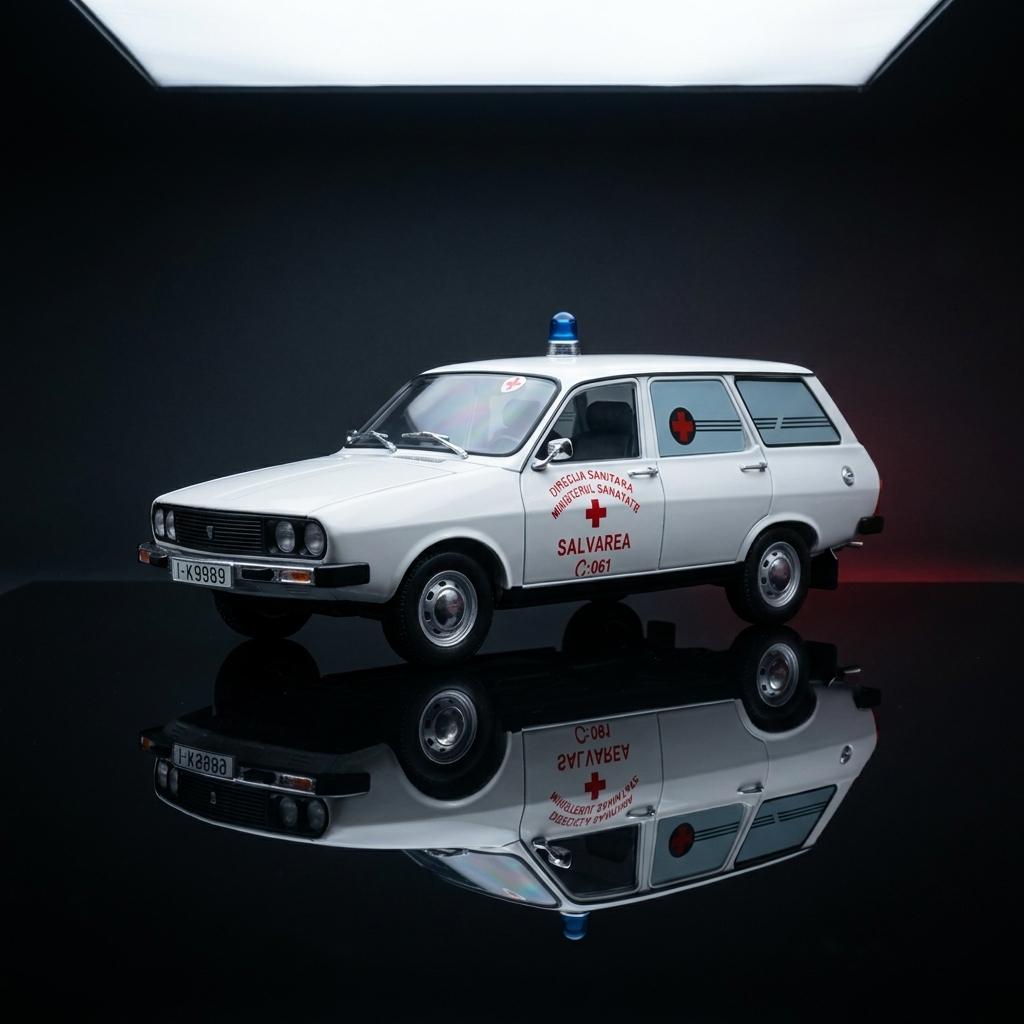
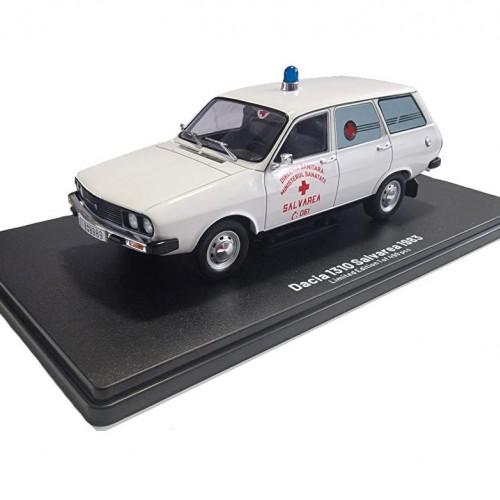
A real example from a catalogue of over 1,600 products: automatic restaging, manually checked for color and shape accuracy.

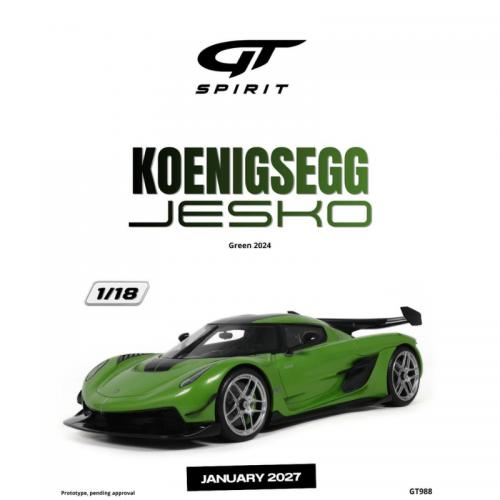
A real example from a catalogue of over 1,600 products: automatic restaging, manually checked for color and shape accuracy.
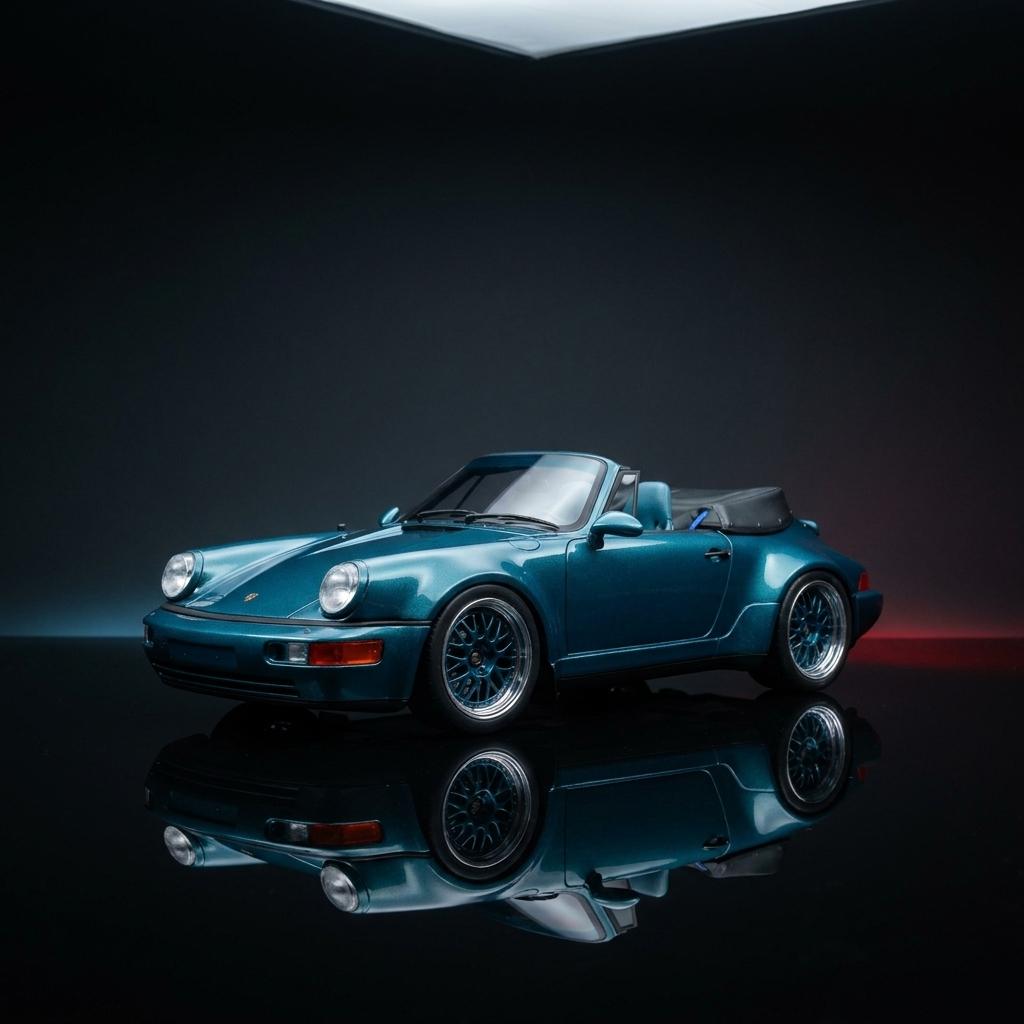

A real example from a catalogue of over 1,600 products: automatic restaging, manually checked for color and shape accuracy.
Honestly stated limitations
Product sets (multiple pieces in a single photo) don't lend themselves to automatic restaging — the model either pulls out a single piece, or invents a wrong arrangement. In these cases, the original box photo stays the correct representation, we don't force a solution that doesn't work.

Failure modes we actively check for
From direct experience on a large catalogue: invented doors/elements that don't exist on the real product, color drift (blue turning gray), detail drift. Every generation goes through an explicit visual check on these points before it's approved.
E-commerce catalogues with inconsistent photos
Especially useful for stores with photos inherited from suppliers (inconsistent quality/style), or for niche catalogs where a traditional photo shoot for every product is not financially feasible. 3D product visualization and ecommerce product photo restaging work best on large catalogs, where the inconsistency between photos — different backgrounds, boxes in frame — shows up the most, not on a handful of isolated products.
A fixed price, after a short discovery call.
- fast delivery
- no volume commitment
- automatic scanning included
- manual verification on every result
- revisions for generation errors
Every project has a different context, workflows and infrastructure, so the price is set after a short, paid discovery and does not change along the way.
Frequently asked questions
What type of photos work best for restaging?
Single-product photos, reasonable resolution (above 800px), without complex overlapping packaging elements. Multi-product sets are harder. Source: editorial
Can restaging change the product's real color?
Color drift can appear as a generation error — that's why we manually check every result before delivery and correct it with targeted instructions. Source: editorial
Does it also work for product sets (multiple pieces)?
We don't recommend it — AI models either isolate a single piece or invent the arrangement. For sets, we keep the original photo with the box. Source: editorial
How long does it take for a large catalogue?
It depends on volume — automated scanning quickly flags what needs redoing, but manual review of every result takes time proportional to the number of products. Source: editorial
What resolution/format do I get at the end?
Standard format for web and ecommerce catalogs; we discuss specific requirements (print, for example) separately. Source: editorial
Can I request revisions if a result doesn't look true to the product?
Yes — accuracy verification is part of the process, not an optional extra. Source: editorial

Let's see what can be automated in your business.
A free 30-minute session: we'll tell you what can be automated, how long it takes and what it costs, with a fixed price after discovery.